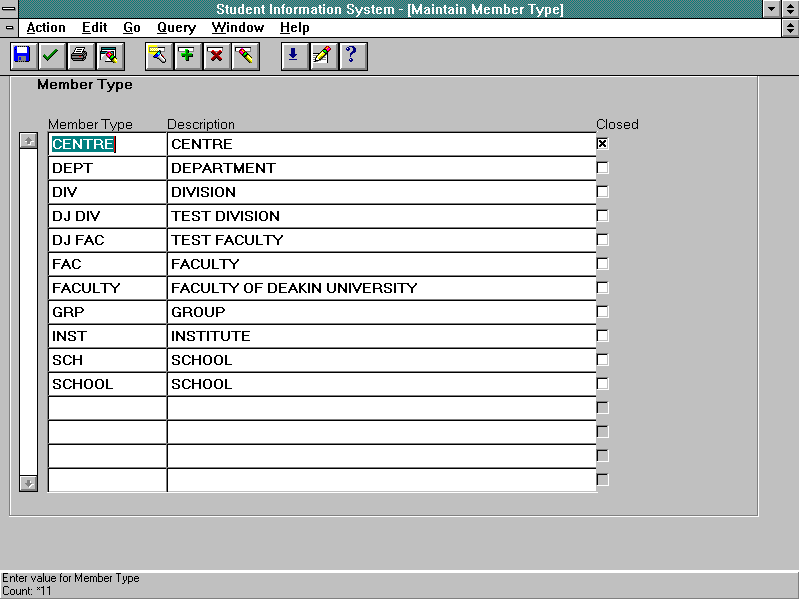
| To create a new member type using the Maintain Member Type form:
|
- Enter Insert mode.
- Enter the desired name of the member type in the Member Type field of a blank record.
- Enter a meaningful description for the member type in the Description field.
- Save.
| |
| To modify a member type using the Maintain Member Type form:
|
- Find the record to be modified.
- Modify the record as required.
- Save.
| Rules:
- If a member type has been used to define an organisational unit, only the description can be modified. This is not recommended unless the change in description is minor and does not alter the meaning.
- A member type can be closed, preventing any further use, by selecting the Closed check box.
|
| To delete a member type using the Maintain Member Type form:
|
- Find the record to be deleted.
- Locate the cursor in the record to be deleted.
- Delete record.
- Save.
| Rules:
- If a member type has been assigned to an organisational unit, it cannot be deleted. It can be closed, preventing any further use, by selecting the Closed check box.
|